We are part of:

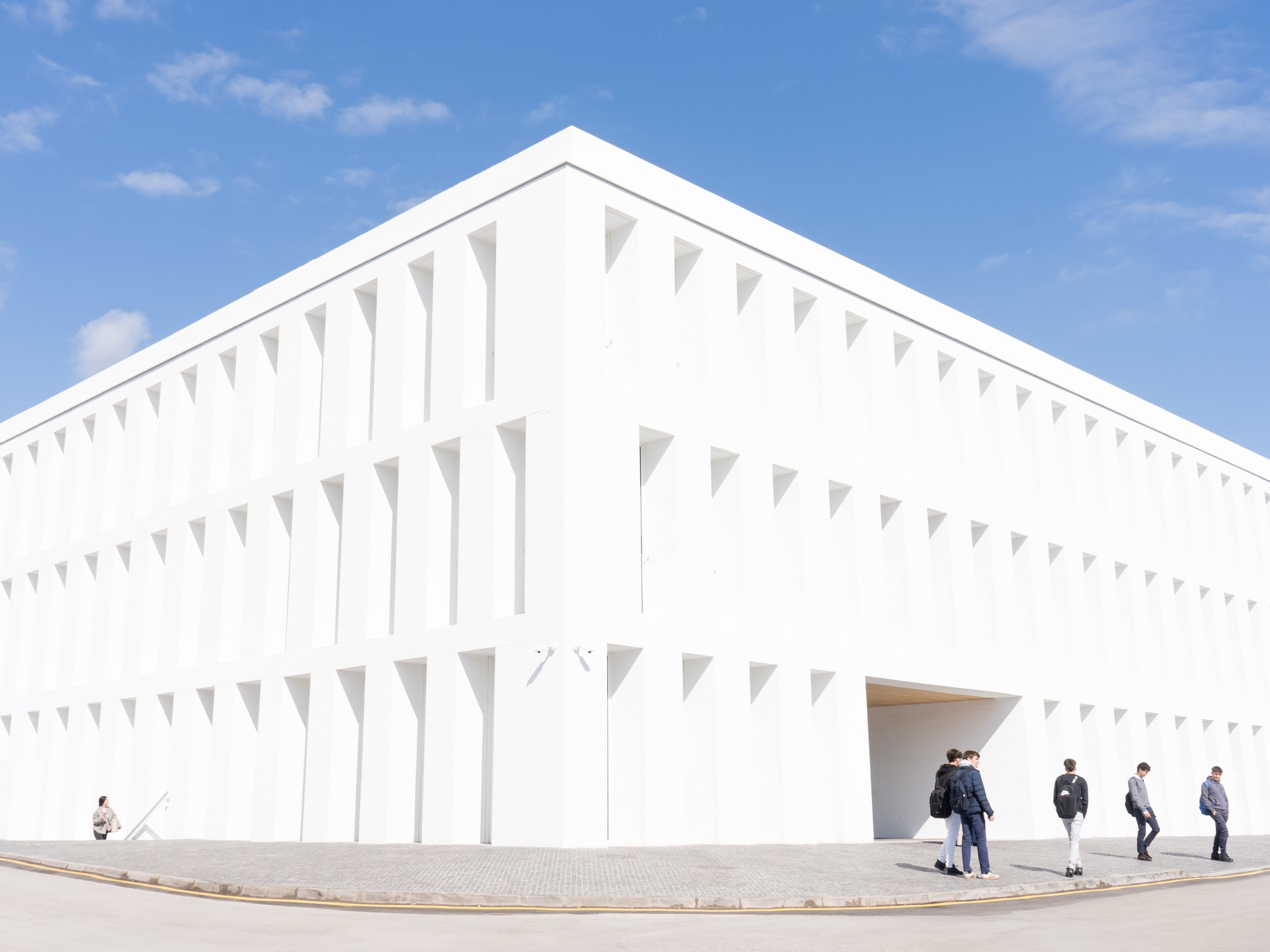
The UFV Library is both a physical and virtual space where people, information resources, equipment, and services come together and integrate to support teaching, learning, and research at the university.


We are part of:
In collaboration with:

It offers access to the largest information network, with more than 400 centers in the European Union alone.

Agustin de Hipona Building (H): Reading Room. Located on Level –1. Circulation Desk: bibliographic information, check-out and return services ONLY for materials located in the storage areas of Building H. Includes 7 study rooms and a newspaper and periodicals room. Study Room. Located on Level –2. Tomás Moro Building (M): Reading room and 4 study rooms located on Level 2. Collection Room, 4 study rooms, circulation desk: bibliographic information, circulation and return services ONLY for the holdings in the Collection Room. Library Administration. There are other study spaces on the UFV Campus, but they are not managed by the Library; to check availability and hours, please consult the Campus information.
Through the website https://www.ufv.es/biblioteca/; you must have an @ufv email account to access it
You must register by providing your personal information and your UFV user ID. To do so, you'll need to fill out a form available on the website https://www.ufv.es/biblioteca/
If you have any questions, you can always visit the circulation desk in the reading room of the Agustín Hipona Building (H) or the reference room in the Tomás Moro Building (M). You can also ask us questions through WSP, which is available on the Library’s website. Courses on how the Library works are also offered as part of the UFV’s “ programme ” (Center for Complementary Educational Activities).
In the Reading Room of the Agustín de Hipona Building (H), locate the book in the catalog by asking at the circulation desk or using the OPAC to search the collection. Request the book at the circulation desk and wait for it to be brought to you. In the Reference Room of the Tomás Moro Building (M), you can locate the book on the shelf or search for it in the OPAC. Once you have it, go to the circulation desk. In both cases, you can use the self-checkout option or ask the circulation staff for assistance. Undergraduate students: 5 items for 20 days. Faculty and staff: 15 books for 60 days. For more information, see the Library Loan Policy.
You must return the book to the library. Books picked up in the Reading Room of the Agustín de Hípona Building (H) must be returned at that same counter. Books picked up in the Reference Room of the Tomás Moro Building (M) must be returned at that same counter. You can use the self-checkout machine in both rooms. You can also ask the staff at the counter for help. Books will not be accepted for return at a room other than the one to which the collection belongs. Yes, you may renew them up to two times for the same period, provided the book is not on hold, is not overdue, and there are no prior fines. You can renew them online through the library catalog.
All books in the Reference Room of the Tomás Moro Building (M) are marked with a blue label next to the regular label. In the catalog, under “Copies” and “Location,” the location of each book is indicated, whether it is in the Reference Room or the Stacks.
If you need a book that appears in the catalog and the location is listed as Storage 1 or Storage 2, you must go to the circulation desk in the Reading Room of the Agustín de Hipona Building (H) so that library staff can check out the book for you.
No. The loan is personal and requires identification. However, someone else may return the item on your behalf as long as they hand it in at the counter. If the item must be returned to the self-checkout lockers, the machine will require identification, so the loan holder must return the item in person.
The library staff will let you know when you check out the book. You can also check the library’s online catalog by logging into your reader account. For each day you are late returning a book, you will be barred from checking out books for 2 days. However, you may still consult books in the reading room. You can check at any time how many books you have checked out and their due dates by logging into your personal profile in the library catalog.
Returns will not be accepted. In the Reference Room of the Tomás Moro Building (M), you may only borrow and return books from that room, which are marked with a blue label. You will need to go to the Reading Room in the Agustín de Hipona Building (H) to return the book, and it is your responsibility to do so by the due date.
Returns will not be accepted. In the Reading Room of the Agustín de Hipona Building (H), you may only check out and return books that are located in the stacks of that building. You will need to go to the Reference Room in the Tomás Moro Building (M) to return the book, and it is your responsibility to do so by the due date.
You can place a hold through the library catalog so we can let you know when the book is available.
We follow the CDU, a universal decimal classification system that identifies each subject with numbers. You can see the subject classification on the informational signs placed on the shelves.
You must register by providing your personal information and your UFV user ID. To do so, you’ll need to fill out a form available on the website and in the app, or visit the library desk.
Eating and drinking are prohibited in the library reading rooms. Drinks are permitted only in containers with airtight lids, such as water bottles or thermoses with such lids. In the coworking spaces elsewhere on campus, there are no restrictions in this regard.
To suggest books for purchase, you must submit a request through VITA Library
You can borrow laptops through the lockers located at the entrance to the Reading Room in the Agustín de Hipona Building (H) and the Reference Room in the Tomás Moro Building (M). You will need to show your library card.
Requests can be made through the Services section of the Student Portal, or at the library desk in the Agustín de Hipona building (H) or the Tomás Moro building (M), whichever one houses the room you wish to reserve.
Anyone may use the library facilities. Use of library services is limited to UFV students, staff, and faculty. Additionally, during exam periods, only UFV students, staff, and faculty will be allowed entry; therefore, you must present your university ID card to gain access. You cannot reserve individual study spaces, but you can reserve group study rooms through the reservation app.
Print journals are located in the Newspaper and Periodicals Room, Reading Room of the Agustín de Hipona Building; they are arranged in alphabetical order and may only be consulted in that room.
You may submit any complaints, suggestions, or similar comments at any of the circulation desks, either verbally or by filling out the form provided for that purpose. You can use the online form available at ufv.es, drop a note in the suggestion box located at the entrance to the Reading Room in the Agustin de Hipona Building (H), or send an email to biblioteca@ufv.es. All complaints will be addressed, and if they are not anonymous, they will be responded to via email.
You can receive guidance on finding information, publishing, and managing the bibliography for your bachelor’s and master’s theses, research projects, or journal articles, as well as on the impact of your publications, etc. To do so, you must submit a request via the VITA Library intranet.
If a book is lost, it must be replaced. If this happens, please speak with the library staff so they can explain your options.
Any library user (estudiante, personal de administración o PDI de la UFV) can request books or articles through the interlibrary loan service using the request form available on the website, and receive them on loan from other libraries. Requests are made using the form available on the website for this service: https://www.ufv.es/biblioteca/prestamo-interbibliotecario/
It is a repository of digital documents whose purpose is to archive and preserve the university’s intellectual and scientific output. It is open access, and therefore the documents can be viewed in full text. The repository is organized into collections: doctoral dissertations; journals; research findings; institutional documents; teaching materials; research data; special collections; etc. Anyone can access the repository.
Please contact the Library.
Schedule
Monday to Thursday from 8:30 a.m. to 9:30 p.m. and Friday from 8:30 a.m. to 9:00 p.m. during the academic year. Saturdays from 9:00 a.m. to 3:00 p.m.Phone
+34 646933714